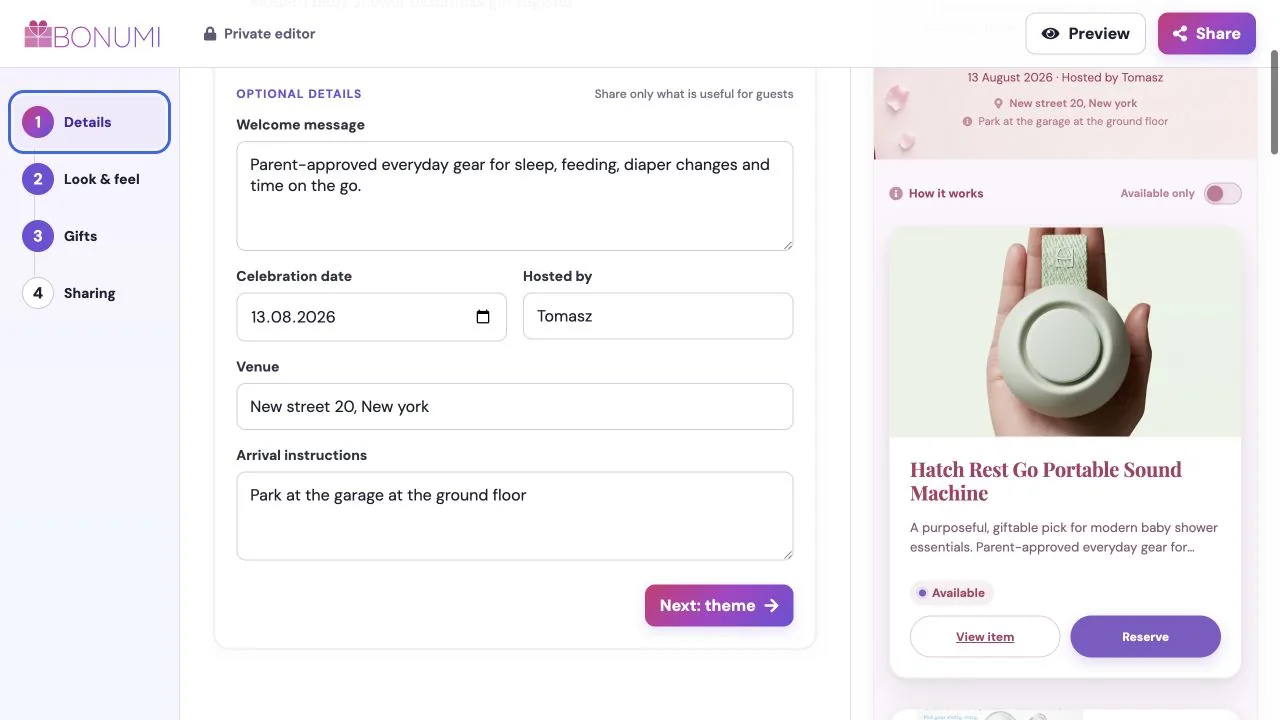
Step 1
Add the details
Name the register and add the date, host, venue and welcome message guests need.

Four simple steps
Build a beautiful page in minutes, then let guests take it from there.
Step 1
Name the register and add the date, host, venue and welcome message guests need.
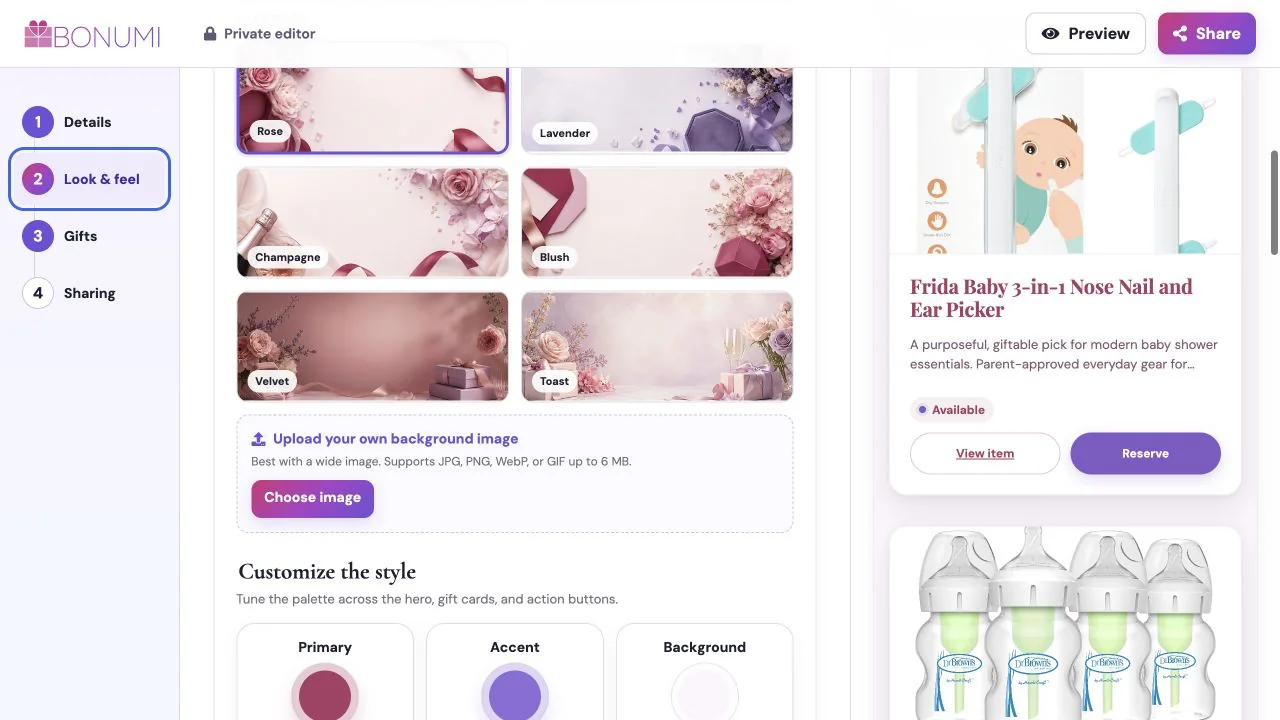
Step 2
Start with an occasion and tune the artwork, colours and typography.
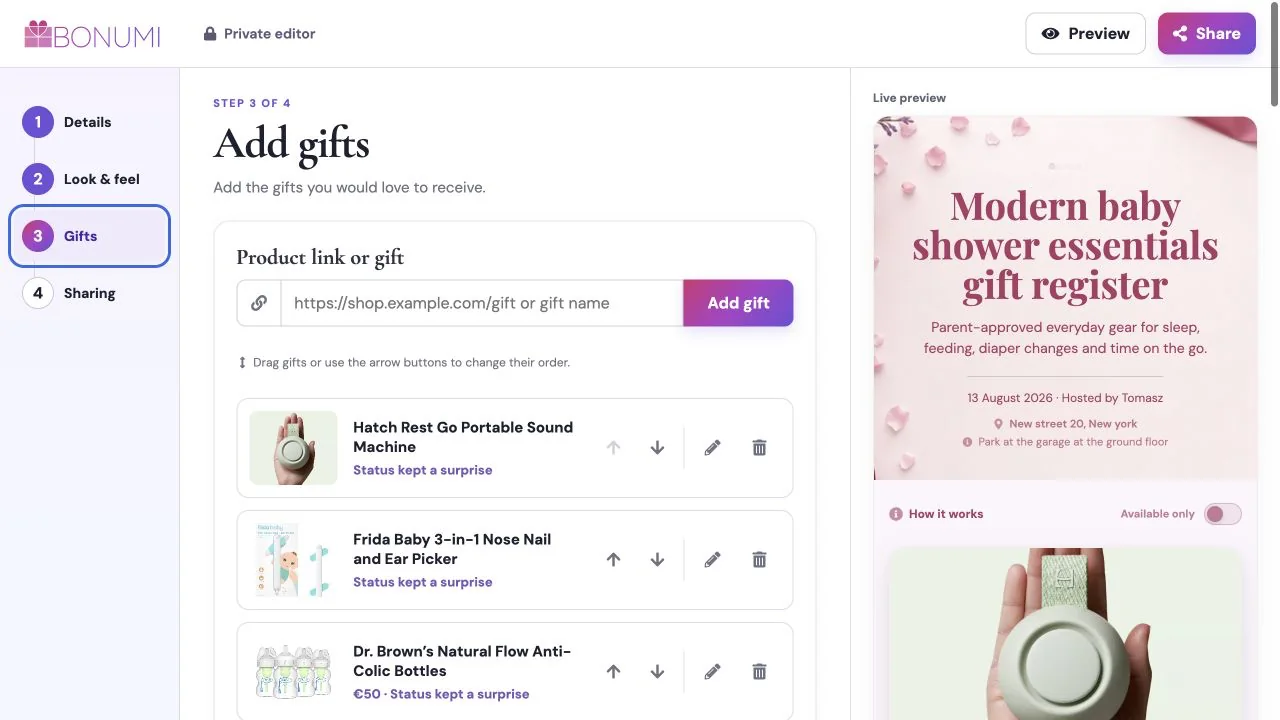
Step 3
Add products from any shop, edit their details and drag them into the right order. For a starting list, explore baby shower essentials or gifts for life after graduation, then use and edit the collection.
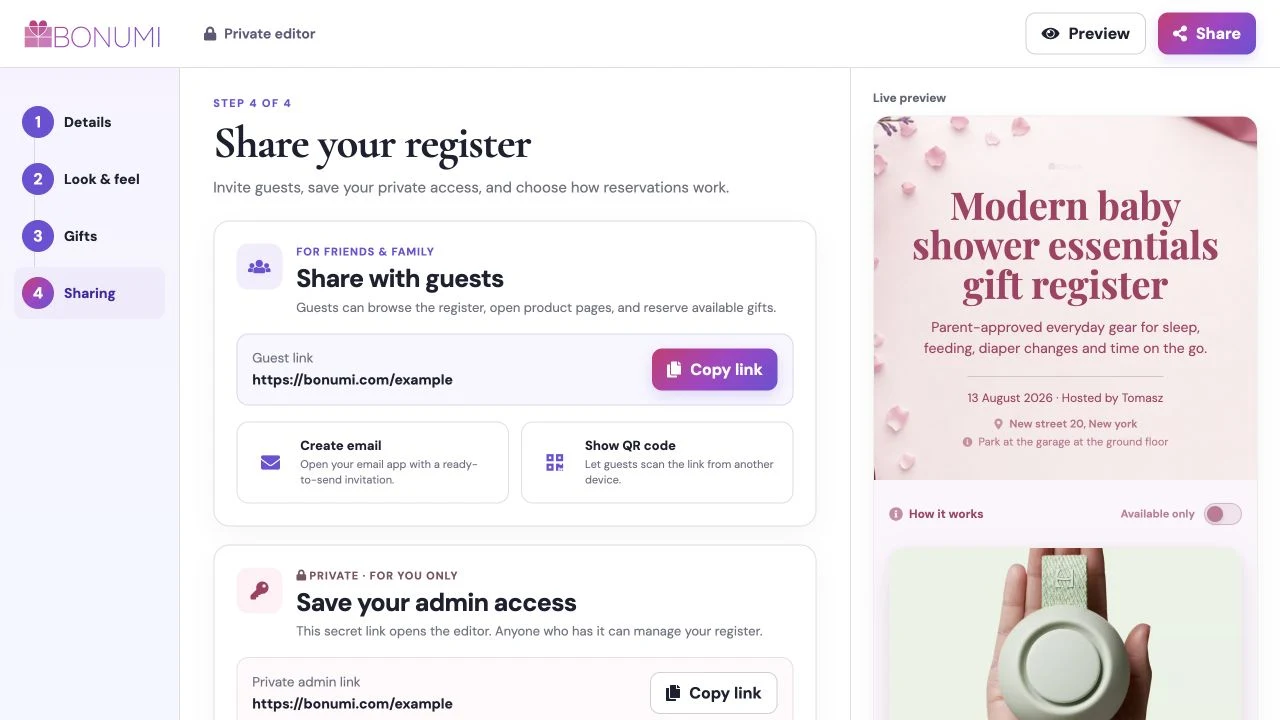
Step 4
Send one guest link. Reservations prevent duplicates while optional surprise mode keeps names hidden from you.